Music automation with ffmpeg, ntfy and BookPlayer (iOS)
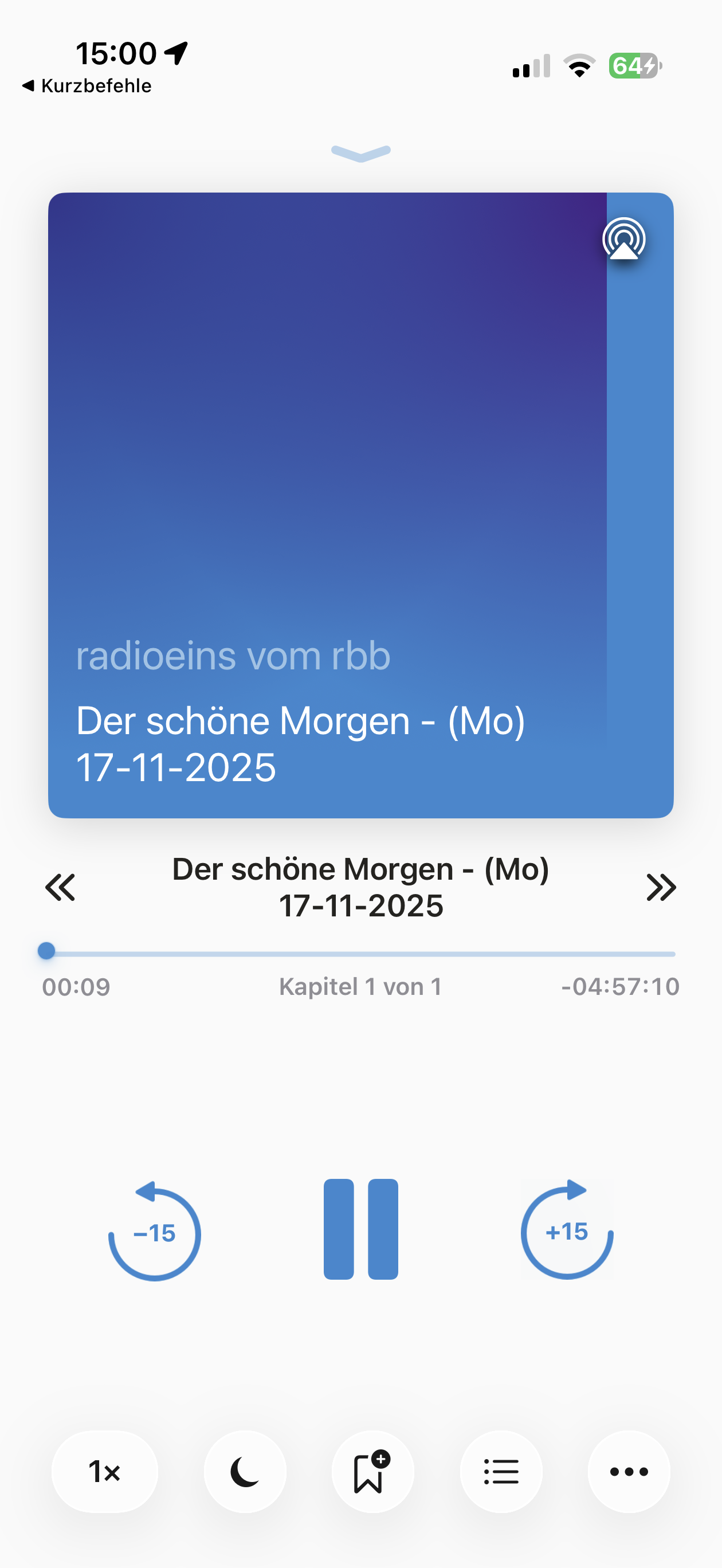
BookPlayer is a really nice audio player for iOS, not only for audiobooks. It comes with all features needed for longer (offline) audio sessions, incl. lock screen & control center playback, playback speed, chapters, CarPlay and Apple Watch stand-alone support (Pro).
To import audio files, BookPlayer has support for AirDrop, the Files app, AudiobookShelf, Jellyfin and there is also a simple iOS url scheme:
bookplayer://download?url=$(FILE_URL)
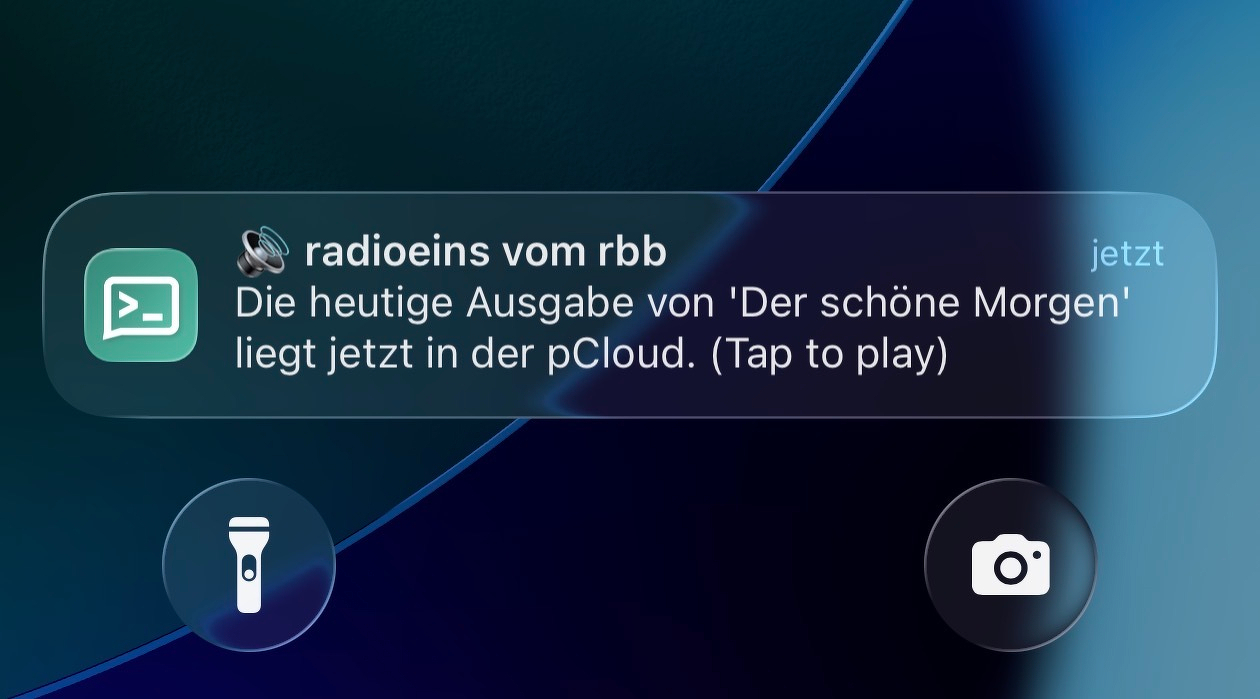
I fully automated the process of recording a daily radio show (on a Raspberry Pi), upload it to pCloud, create a public link and then send a push notification to my iPhone via ntfy.sh.
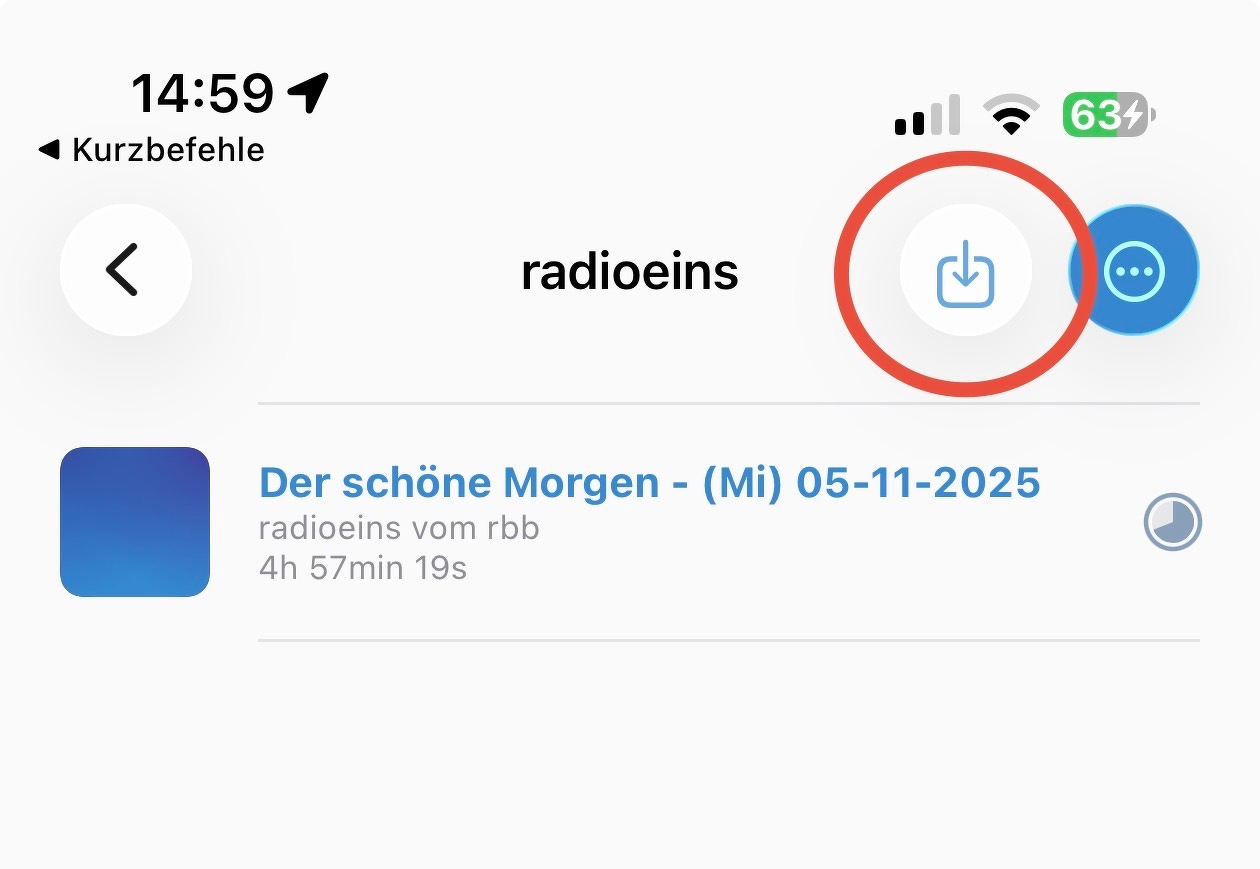
When I tap on the push notification, it automatically runs a Siri shortcut on my iPhone which extracts the raw pcloud download url and forwards it to the BookPlayer app by using the url scheme mentioned above. As a result, I can listen to this daily radio show on my iPhone with just one simple tap.
In more detail:
- record radio show with ffmpeg (via cron)
TODAY=$(date +'(%a) %d-%m-%Y')
TARGET_FILE="/output/radioeins_Der_schoene_Morgen_$TODAY$.mp3"
ffmpeg -y -i $STREAM_URL -c copy -t 04:58:00 -metadata title="Der schöne Morgen - $TODAY" -metadata artist="radioeins vom rbb" -metadata album="Der schöne Morgen" $TARGET_FILE
- Upload to pCloud
fileiId=$(curl -s -F "file=@$TARGET_FILE" "https://eapi.pcloud.com/uploadfile?folderid=47110815&auth=$authToken" | jq -r '.metadata[0].fileid')
- Get pcloud public link
pcloudLink=$(curl -s "https://eapi.pcloud.com/getfilepublink?fileid=$fileiId&auth=$authToken" | jq -r '.link')
- Send push notification to iPhone (with Siri shortcut link)
curl -s -X POST
-H "Title: radioeins vom rbb"
-H "Click: shortcuts://run-shortcut?name=pcloud-to-BookPlayer&input=text&text=$pcloudLink"
-H "Tags: loud_sound"
-d "Die heutige Ausgabe von 'Der schöne Morgen' liegt jetzt in der pCloud. (Tap to play)"
https://ntfy.sh/******
Siri Shortcut Download: pcloud-to-BookPlayer